

Digit Shooter
Calculation connects directly to a target choice, giving an equation a moving-game context.
Play Digit ShooterFollow a connection
Where else does this idea lead? The following selections connect to Digit Shooter through the catalog details named below.
Number reasoning
An equation, a running total and a numbered board ask different questions. Read which numerical relationship each game actually uses.
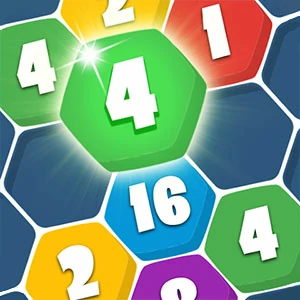 2020 Connect
Numbers give the pieces identities while connections determine how the board changes.
Number reasoning
An equation, a running total and a numbered board ask different questions. Read which numerical relationship each game actually uses.
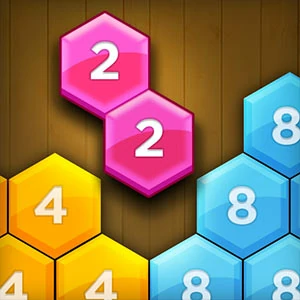 Make5 Hexa
Numerical relationships meet spatial arrangement, connecting which values you combine with where the combination can occur.
Number reasoning
An equation, a running total and a numbered board ask different questions. Read which numerical relationship each game actually uses.
 Crossover 21
Card values connect arithmetic to placement, making a familiar deck serve a number target.
About this edition's selection method. These are catalog-based introductions and comparisons, not hands-on reviews. Controls and current rules come from the game provider.
Getting started
- Select Play to open the game's launch page.
- Review the external provider and choose Load game. This connects your browser to the game host.
- Follow the game's on-screen instructions. Use touch on a supported phone, or the mouse and keyboard controls shown by the game on desktop.
For a smoother session
Let the game finish loading before interacting. A recent browser and stable connection work best. Sound, touch support and orientation vary by game; check its own settings. If it fails to load, try the direct provider link on the launch page or choose a different game.