
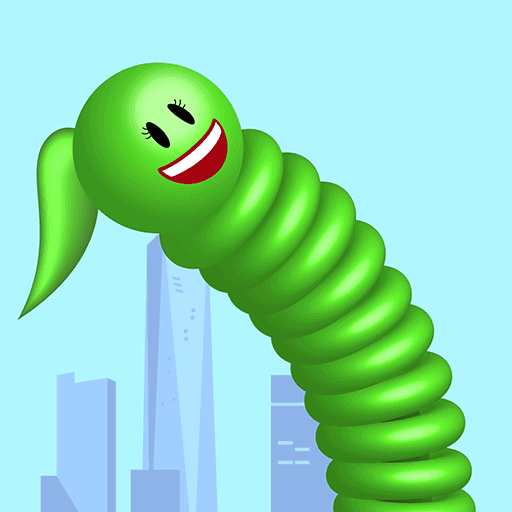
Long Neck Run
Collecting connects route decisions to a changing character silhouette.
Play Long Neck RunFollow a connection
Where else does this idea lead? The following selections connect to Long Neck Run through the catalog details named below.
Collecting toward an objective
A gift, a coin and a hidden treasure all motivate collection, while the surrounding task determines how the reward is reached.
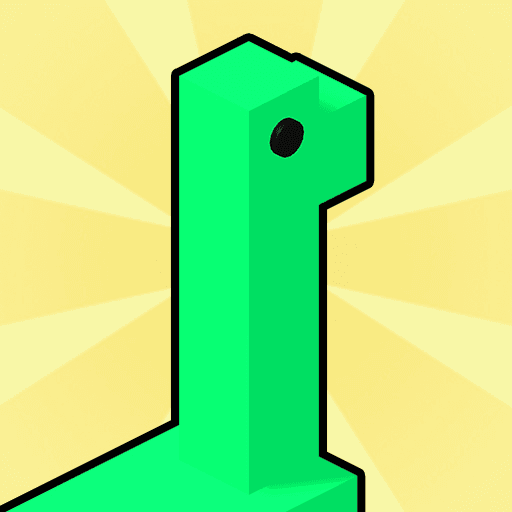 Like A Dino
Catching notes connects musical timing to visible growth in the dinosaur character.
Movement through hazards
Some routes combine avoidance with collection, while others foreground distance or a finish. Check which objective is stated for each runner.
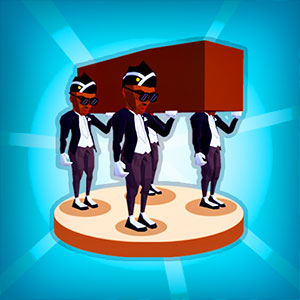 Coffin Dancing
Choreography and obstacle travel share a concern with movement, giving a runner-like task a different theme.
Movement through hazards
Some routes combine avoidance with collection, while others foreground distance or a finish. Check which objective is stated for each runner.
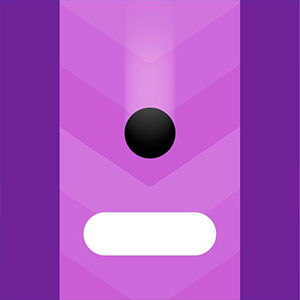 Switch Dash
Color recognition connects directly to movement: the barrier's appearance determines the relevant switch.
About this edition's selection method. These are catalog-based introductions and comparisons, not hands-on reviews. Controls and current rules come from the game provider.
Getting started
- Select Play to open the game's launch page.
- Review the external provider and choose Load game. This connects your browser to the game host.
- Follow the game's on-screen instructions. Use touch on a supported phone, or the mouse and keyboard controls shown by the game on desktop.
For a smoother session
Let the game finish loading before interacting. A recent browser and stable connection work best. Sound, touch support and orientation vary by game; check its own settings. If it fails to load, try the direct provider link on the launch page or choose a different game.