
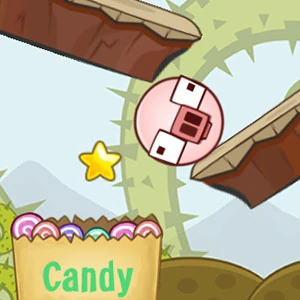
Piggy Roll
A character's motion connects the puzzle pieces, making trajectory and the surrounding arrangement part of the same problem.
Play Piggy RollFollow a connection
Where else does this idea lead? The following selections connect to Piggy Roll through the catalog details named below.
Balance and placement
The useful comparison is what needs support: a tower, a character or a vehicle crossing uneven ground.
 City Blocks
Small placement decisions accumulate into a larger city, connecting the shape of a piece with the developing whole.
Animals and unusual characters
Animal characters can be pieces, companions or protagonists. Compare what role the character plays in the task.
 PetCrush
The pet motif gives individual pieces a familiar identity while matching provides the board's organizing rule.
Balance and placement
The useful comparison is what needs support: a tower, a character or a vehicle crossing uneven ground.
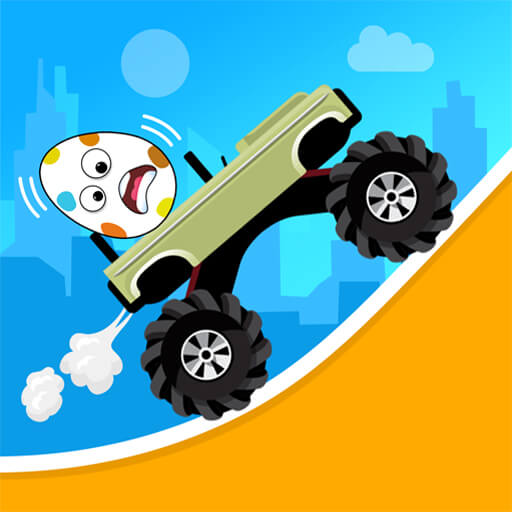 Drive Hills
Changes in ground shape connect the vehicle's balance to its progress along the route.
About this edition's selection method. These are catalog-based introductions and comparisons, not hands-on reviews. Controls and current rules come from the game provider.
Getting started
- Select Play to open the game's launch page.
- Review the external provider and choose Load game. This connects your browser to the game host.
- Follow the game's on-screen instructions. Use touch on a supported phone, or the mouse and keyboard controls shown by the game on desktop.
For a smoother session
Let the game finish loading before interacting. A recent browser and stable connection work best. Sound, touch support and orientation vary by game; check its own settings. If it fails to load, try the direct provider link on the launch page or choose a different game.