

Repair It
The damaged object connects observation to intervention: understanding what is wrong gives a tool a purpose.
Play Repair ItFollow a connection
Where else does this idea lead? The following selections connect to Repair It through the catalog details named below.
Changing an arrangement
A cleared board, a repaired object and an organized container are different end states. Compare the change that counts as completion.
 Press To Push Online
A push connects the object's starting position to a target arrangement.
Cities and working objects
A city can be built, defended or navigated. The setting links these entries while the purpose of each action separates them.
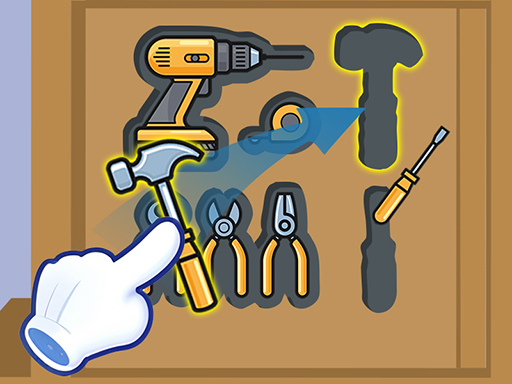 Drawer Sort
The drawer connects familiar clutter to a spatial organization problem.
Repair and care tasks
Compare identifying a problem with carrying out the tool or treatment step. These are fictional tasks, not professional instructions.
 Fruit Doctor
Fruit characters turn diagnosis and repair into related ideas: recognize a problem, then address it through the puzzle.
About this edition's selection method. These are catalog-based introductions and comparisons, not hands-on reviews. Controls and current rules come from the game provider.
Getting started
- Select Play to open the game's launch page.
- Review the external provider and choose Load game. This connects your browser to the game host.
- Follow the game's on-screen instructions. Use touch on a supported phone, or the mouse and keyboard controls shown by the game on desktop.
For a smoother session
Let the game finish loading before interacting. A recent browser and stable connection work best. Sound, touch support and orientation vary by game; check its own settings. If it fails to load, try the direct provider link on the launch page or choose a different game.