

Smileys
Expressive faces become matching pieces, connecting character-like artwork with the logic of removing items.
Play SmileysFollow a connection
Where else does this idea lead? The following selections connect to Smileys through the catalog details named below.
Changing an arrangement
A cleared board, a repaired object and an organized container are different end states. Compare the change that counts as completion.
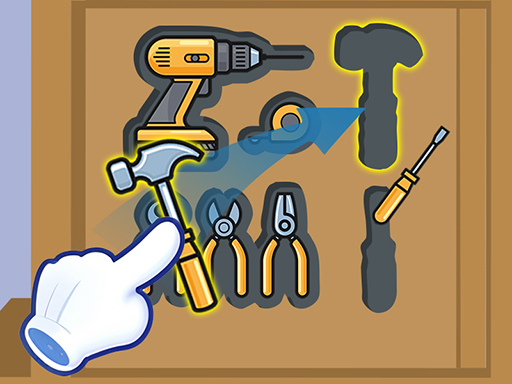 Drawer Sort
The drawer connects familiar clutter to a spatial organization problem.
Color and object matching
Compare what the match operates on: colors, characters or themed objects can supply different contexts for the same broad matching idea.
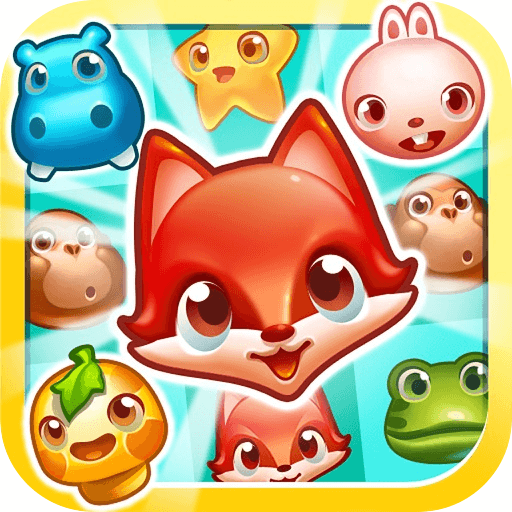 PetCrush
The pet motif gives individual pieces a familiar identity while matching provides the board's organizing rule.
Color and object matching
Compare what the match operates on: colors, characters or themed objects can supply different contexts for the same broad matching idea.
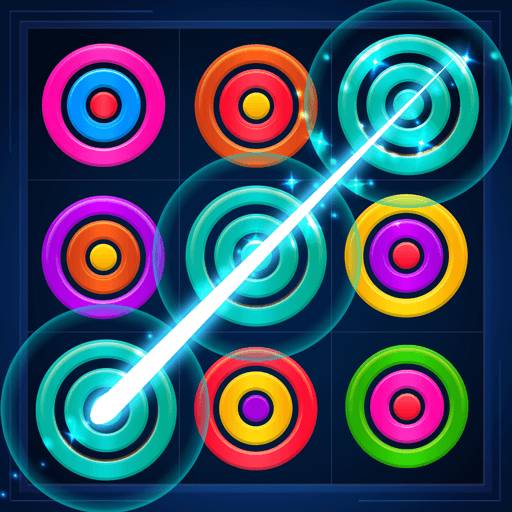 Circle Crush
Circular pieces connect a simple visual motif to the larger task of making a puzzle's arrangement work.
About this edition's selection method. These are catalog-based introductions and comparisons, not hands-on reviews. Controls and current rules come from the game provider.
Getting started
- Select Play to open the game's launch page.
- Review the external provider and choose Load game. This connects your browser to the game host.
- Follow the game's on-screen instructions. Use touch on a supported phone, or the mouse and keyboard controls shown by the game on desktop.
For a smoother session
Let the game finish loading before interacting. A recent browser and stable connection work best. Sound, touch support and orientation vary by game; check its own settings. If it fails to load, try the direct provider link on the launch page or choose a different game.