
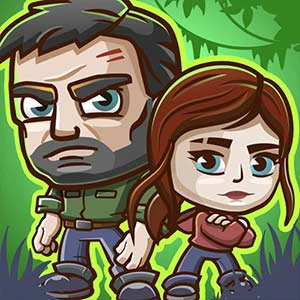
The Last Survivors
Survival connects characters' contributions to a shared problem, making cooperation part of the stated objective.
Play The Last SurvivorsFollow a connection
Where else does this idea lead? The following selections connect to The Last Survivors through the catalog details named below.
Playing through different activities
A collection or cooperative premise can change the task between stages. Read what the current activity and player arrangement require.
 Game Box
The connecting idea is variety itself: separate tasks share a container rather than a single fictional world.
Character-led journeys
A character can give a route or an encounter a reason to continue. Compare what the protagonist needs to do, not just the appearance of the cast.
 Cat Game Loot
Companions and loot connect a character adventure to a collection objective.
Protecting someone or something
Defense and rescue share a protective goal, but one may stop a threat while another makes a safe route possible.
 Save People
A path becomes a rescue mechanism, linking spatial organization to the movement of people.
About this edition's selection method. These are catalog-based introductions and comparisons, not hands-on reviews. Controls and current rules come from the game provider.
Getting started
- Select Play to open the game's launch page.
- Review the external provider and choose Load game. This connects your browser to the game host.
- Follow the game's on-screen instructions. Use touch on a supported phone, or the mouse and keyboard controls shown by the game on desktop.
For a smoother session
Let the game finish loading before interacting. A recent browser and stable connection work best. Sound, touch support and orientation vary by game; check its own settings. If it fails to load, try the direct provider link on the launch page or choose a different game.