
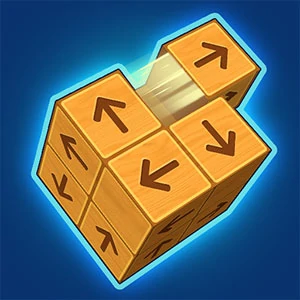
Unblock It 3D
Other pieces connect to the main block through the space they occupy and the route they obstruct.
Play Unblock It 3DFollow a connection
Where else does this idea lead? The following selections connect to Unblock It 3D through the catalog details named below.
Reaching a destination
A hole, a parking space and a course finish are different destinations. Compare what must move and what stands in its way.
 Jumpz
The jump joins two kinds of reasoning: deciding where to go and carrying out the movement at the right moment.
Finding and opening routes
Compare a route that must be discovered with one that must be created by moving or removing an obstruction.
 Elevator Ball
Vertical movement and a destination connect the setting to the puzzle, making route interpretation the useful entry point.
Finding and opening routes
Compare a route that must be discovered with one that must be created by moving or removing an obstruction.
 Z Machine
A machine protagonist connects route finding to a science-fiction setting.
About this edition's selection method. These are catalog-based introductions and comparisons, not hands-on reviews. Controls and current rules come from the game provider.
Getting started
- Select Play to open the game's launch page.
- Review the external provider and choose Load game. This connects your browser to the game host.
- Follow the game's on-screen instructions. Use touch on a supported phone, or the mouse and keyboard controls shown by the game on desktop.
For a smoother session
Let the game finish loading before interacting. A recent browser and stable connection work best. Sound, touch support and orientation vary by game; check its own settings. If it fails to load, try the direct provider link on the launch page or choose a different game.