
Wordie
Language connects recognition and problem solving, offering a different route into puzzles than numbers or moving objects.
Play WordieFollow a connection
Where else does this idea lead? The following selections connect to Wordie through the catalog details named below.
Words and letter recognition
Compare guessing an unseen word with arranging visible letters; both use language but expose different information.
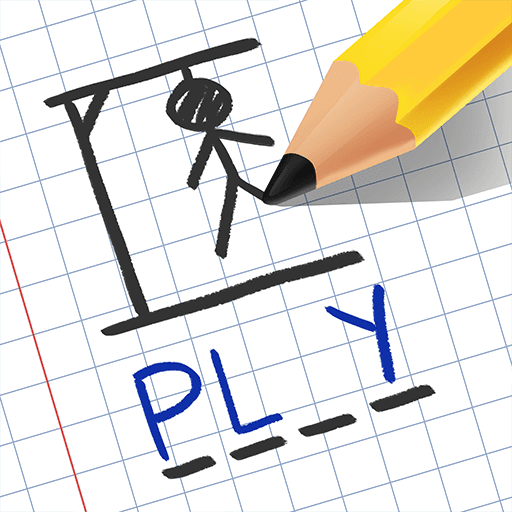 HangMan Dily
Missing letters connect vocabulary reasoning to the need to make useful guesses.
Mysteries and hidden answers
A hidden word, a concealed ball and a suspect identity provide different forms of missing information. Compare how each puzzle supplies evidence.
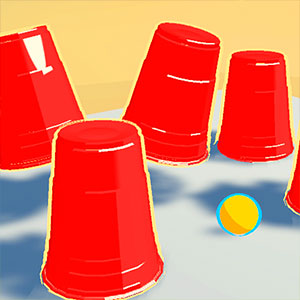 Magic Cup
A concealed ball connects a sequence of visible cup movements, turning attention over time into the key relationship.
Words and letter recognition
Compare guessing an unseen word with arranging visible letters; both use language but expose different information.
 Bubble Letters
The bubble format connects visual pieces to spelling, making letters the rule-bearing material.
About this edition's selection method. These are catalog-based introductions and comparisons, not hands-on reviews. Controls and current rules come from the game provider.
Getting started
- Select Play to open the game's launch page.
- Review the external provider and choose Load game. This connects your browser to the game host.
- Follow the game's on-screen instructions. Use touch on a supported phone, or the mouse and keyboard controls shown by the game on desktop.
For a smoother session
Let the game finish loading before interacting. A recent browser and stable connection work best. Sound, touch support and orientation vary by game; check its own settings. If it fails to load, try the direct provider link on the launch page or choose a different game.