
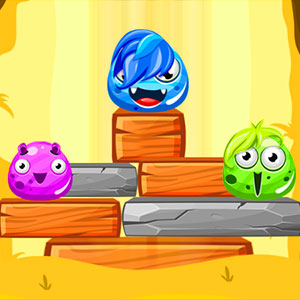
Monsters Up
Separate monsters connect into one structure, turning placement into a shared balance problem.
Play Monsters UpFollow a connection
Where else does this idea lead? The following selections connect to Monsters Up through the catalog details named below.
Balance and placement
The useful comparison is what needs support: a tower, a character or a vehicle crossing uneven ground.
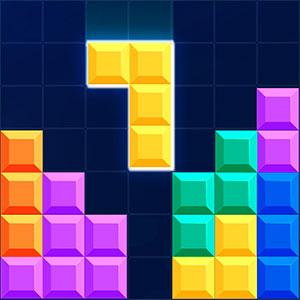 Tetris Cube
Familiar block placement moves into volume, connecting orientation decisions with the task of filling an entire layer.
Construction and rearrangement
Adding a piece to a growing structure differs from shifting existing pieces to open space. Compare the purpose of the placement.
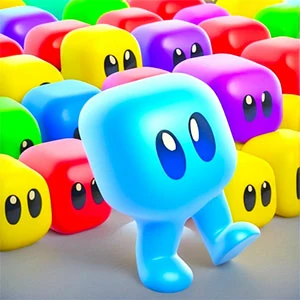 Seat Block Jam
Seating gives block placement a destination, connecting arrangement to access.
Balance and placement
The useful comparison is what needs support: a tower, a character or a vehicle crossing uneven ground.
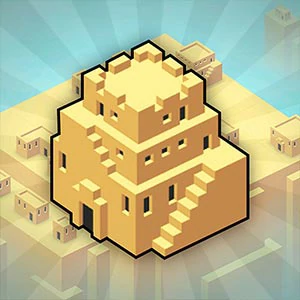 City Blocks
Small placement decisions accumulate into a larger city, connecting the shape of a piece with the developing whole.
About this edition's selection method. These are catalog-based introductions and comparisons, not hands-on reviews. Controls and current rules come from the game provider.
Getting started
- Select Play to open the game's launch page.
- Review the external provider and choose Load game. This connects your browser to the game host.
- Follow the game's on-screen instructions. Use touch on a supported phone, or the mouse and keyboard controls shown by the game on desktop.
For a smoother session
Let the game finish loading before interacting. A recent browser and stable connection work best. Sound, touch support and orientation vary by game; check its own settings. If it fails to load, try the direct provider link on the launch page or choose a different game.