
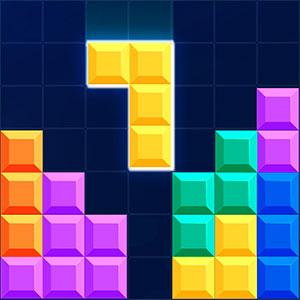
Tetris Cube
Familiar block placement moves into volume, connecting orientation decisions with the task of filling an entire layer.
Play Tetris CubeFollow a connection
Where else does this idea lead? The following selections connect to Tetris Cube through the catalog details named below.
Changing an arrangement
A cleared board, a repaired object and an organized container are different end states. Compare the change that counts as completion.
 Smileys
Expressive faces become matching pieces, connecting character-like artwork with the logic of removing items.
Balance and placement
The useful comparison is what needs support: a tower, a character or a vehicle crossing uneven ground.
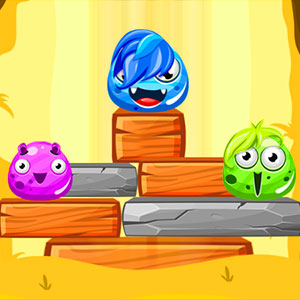 Monsters Up
Separate monsters connect into one structure, turning placement into a shared balance problem.
Construction and rearrangement
Adding a piece to a growing structure differs from shifting existing pieces to open space. Compare the purpose of the placement.
 Rolling Domino Online
One falling domino connects to the next, making the relationships between pieces the source of progress.
About this edition's selection method. These are catalog-based introductions and comparisons, not hands-on reviews. Controls and current rules come from the game provider.
Getting started
- Select Play to open the game's launch page.
- Review the external provider and choose Load game. This connects your browser to the game host.
- Follow the game's on-screen instructions. Use touch on a supported phone, or the mouse and keyboard controls shown by the game on desktop.
For a smoother session
Let the game finish loading before interacting. A recent browser and stable connection work best. Sound, touch support and orientation vary by game; check its own settings. If it fails to load, try the direct provider link on the launch page or choose a different game.